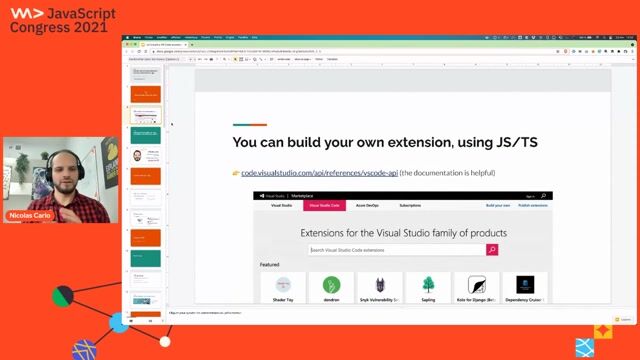
Nicolas Carlo
Let's build a VS Code extension for automated refactorings
#1about 10 minutes
Scaffolding your first VS Code extension project
Use the Yeoman generator (`yo code`) to quickly create the boilerplate for a new TypeScript-based VS Code extension.
#2about 6 minutes
Running and debugging your first extension
Explore the generated project structure, including `package.json` contributions and the `extension.ts` activation file, then run it in the Extension Development Host.
#3about 10 minutes
Reading and writing code using the VS Code API
Access the active editor's content using `window.activeTextEditor` and modify it programmatically with `editor.edit()`, then add a keybinding for quick access.
#4about 13 minutes
Manipulating code reliably with Abstract Syntax Trees
Overcome the limitations of string manipulation by using Babel to parse code into an Abstract Syntax Tree (AST), traverse it, and generate transformed code.
#5about 7 minutes
Understanding the principles of safe automated refactoring
Learn Martin Fowler's definition of refactoring and see how automating small, behavior-preserving changes like "introduce guard clauses" improves code quality.
#6about 15 minutes
Test-driving the refactoring logic with Mocha
Set up an isolated testing environment with Mocha to test the pure transformation logic, enabling a fast feedback loop with Test-Driven Development (TDD).
#7about 23 minutes
Implementing the refactoring using AST manipulation
Write the logic to identify and transform a nested `if` statement into a guard clause by manipulating its AST nodes and handling different code patterns.
#8about 1 minute
Packaging and publishing your VS Code extension
Use the `vsce` command-line tool to package your extension into a `.vsix` file for private sharing or for publishing to the official VS Code Marketplace.
#9about 6 minutes
Recap and resources for advanced extension development
Review the key steps for building an extension and explore advanced topics like hexagonal architecture for testing and contributing to open-source projects.
#10about 8 minutes
Q&A on extensions, testing, and development tools
The speaker answers audience questions about the VS Code extension ecosystem, security concerns, testing strategies, and using tools like GitHub Copilot.
Related jobs
Jobs that call for the skills explored in this talk.


Matching moments
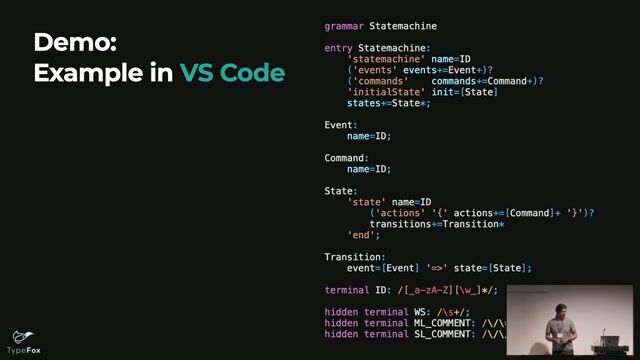
06:26 MIN
Demonstrating a Langium-powered VS Code extension
Langium: Design Your Own Language in Node.js and VS Code
Unlock Moments
Create a free account to watch a limited number of Moments each month.
Upgrade to PRO for unlimited access to the full archive.
Upgrade to PRO for unlimited access to the full archive.
You have an account? Log in

04:48 MIN
Why VS Code's extensibility led to its success
WeAreDevelopers LIVE - Demo Time, Live Coding, End-to-End Testing and more
Unlock Moments
Create a free account to watch a limited number of Moments each month.
Upgrade to PRO for unlimited access to the full archive.
Upgrade to PRO for unlimited access to the full archive.
You have an account? Log in
02:19 MIN
Recap of the four-step JavaScript to TypeScript migration
4 Steps from JavaScript to TypeScript
Unlock Moments
Create a free account to watch a limited number of Moments each month.
Upgrade to PRO for unlimited access to the full archive.
Upgrade to PRO for unlimited access to the full archive.
You have an account? Log in

10:23 MIN
Reframing common complaints about JavaScript development
How to Stop Choosing JavaScript Frameworks and Start Living
Unlock Moments
Create a free account to watch a limited number of Moments each month.
Upgrade to PRO for unlimited access to the full archive.
Upgrade to PRO for unlimited access to the full archive.
You have an account? Log in
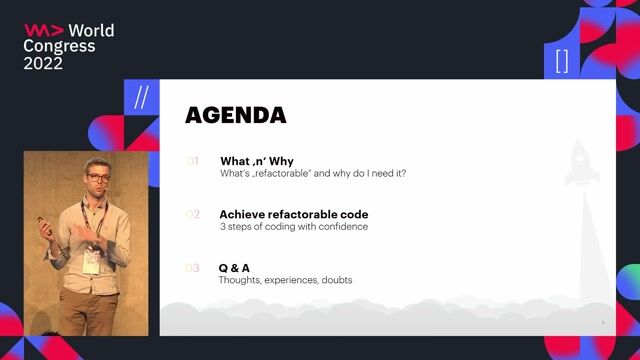
02:06 MIN
Defining refactoring and refactorable code
Keep your code refactorable
Unlock Moments
Create a free account to watch a limited number of Moments each month.
Upgrade to PRO for unlimited access to the full archive.
Upgrade to PRO for unlimited access to the full archive.
You have an account? Log in
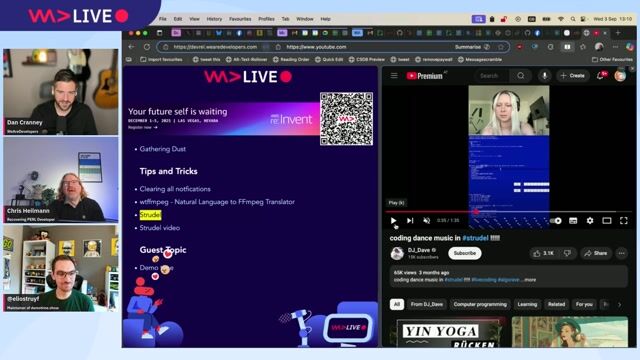
06:23 MIN
Introducing Demo Time for flawless live coding presentations
WeAreDevelopers LIVE - Demo Time, Live Coding, End-to-End Testing and more
Unlock Moments
Create a free account to watch a limited number of Moments each month.
Upgrade to PRO for unlimited access to the full archive.
Upgrade to PRO for unlimited access to the full archive.
You have an account? Log in
06:51 MIN
A live demonstration of GitHub Copilot in VS Code
How we will build the software of tomorrow
Unlock Moments
Create a free account to watch a limited number of Moments each month.
Upgrade to PRO for unlimited access to the full archive.
Upgrade to PRO for unlimited access to the full archive.
You have an account? Log in
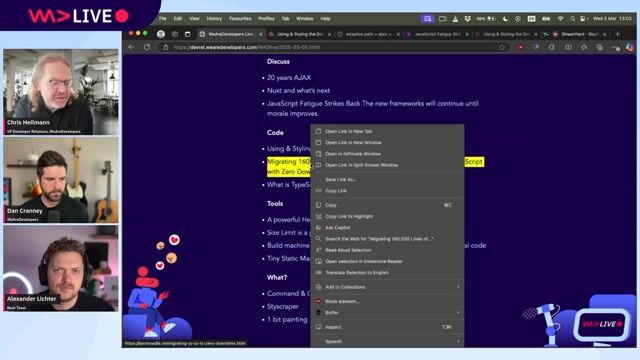
09:25 MIN
Strategies for migrating large codebases to TypeScript
WeAreDevelopers LIVE - Whats Nuxt and Next for app development, 20 years AJAX and more
Unlock Moments
Create a free account to watch a limited number of Moments each month.
Upgrade to PRO for unlimited access to the full archive.
Upgrade to PRO for unlimited access to the full archive.
You have an account? Log in
Featured Partners
Related Videos
 32:28
32:284 Steps from JavaScript to TypeScript
Phil Nash
 45:43
45:43How to TDD in legacy code
Gil Zilberfeld
 44:11
44:11Vulnerable VS Code extensions are now at your front door
Raul Onitza-Klugman & Kirill Efimov
 43:27
43:27Do TypeScript without TypeScript
Simone Sanfratello
 44:11
44:11Vue3 practical development
Mikhail Kuznetcov
 35:15
35:15Extensionator - Rise of the Chromium
Keren Kenzi
 48:56
48:56All you need is types
Tal Joffe
 41:28
41:28Component styling in a JS world — evolve your mental model
Maximilian Heinrich
Related Articles
View all articles



From learning to earning
Jobs that call for the skills explored in this talk.


Lotum media GmbH
Bad Nauheim, Germany
Senior
Node.js
JavaScript
TypeScript

doinstruct Software GmbH
Berlin, Germany
Senior
GIT
JavaScript
TypeScript


Speech Processing Solutions
Vienna, Austria
Intermediate
CSS
HTML
JavaScript
TypeScript

autoiXpert GmbH & Co. KG
Stuttgart, Germany
Senior
Node.js
Angular
MongoDB
TypeScript


JO Media Software Solutions GmBh
Brunn am Gebirge, Austria
Senior
CSS
Angular
JavaScript
TypeScript

Schulz.codes GmbH
Darmstadt, Germany
Intermediate
Senior
React
JavaScript
TypeScript

norisk Group
München, Germany
Intermediate
Senior
Nuxt.js
JavaScript