Stanimira Vlaeva
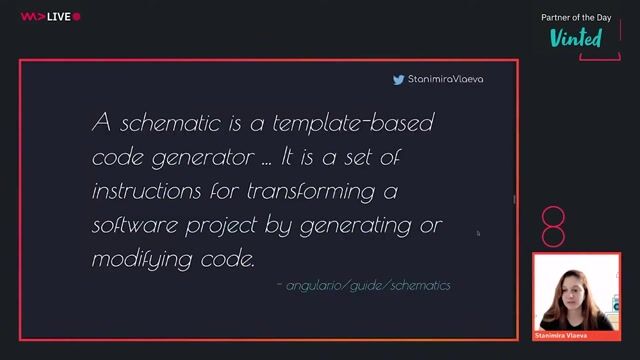
Generating code with Angular schematics
#1about 3 minutes
Understanding the problems that schematics solve
Schematics automate repetitive tasks like scaffolding components, configuring libraries, and migrating breaking changes in Angular projects.
#2about 3 minutes
Automating library setup and configuration with ng add
The `ng add` command uses schematics to automatically install dependencies, update configuration files, and register modules for new libraries.
#3about 1 minute
Managing breaking changes automatically with ng update
The `ng update` command leverages schematics to apply necessary code modifications, ensuring your application remains compatible with new library versions.
#4about 2 minutes
Using schematics outside of the Angular framework
Although developed by the Angular team, the schematics library is open-source and can be used to automate tasks in any project, including React.
#5about 3 minutes
How schematics ensure safe and atomic file updates
Schematics perform operations on a virtual file system, ensuring that changes are only applied to the actual file system if the entire process succeeds without errors.
#6about 2 minutes
Getting started by creating a new schematic collection
Install the schematics CLI globally and use the `schematics blank` command to scaffold a new collection for your custom scripts.
#7about 3 minutes
Understanding the core concepts: Tree, Rule, and Rule Factory
Learn about the fundamental building blocks of schematics, including the Tree for the file system state, a Rule for transformations, and a Rule Factory.
#8about 1 minute
Passing options and logging messages in your scripts
Pass command-line arguments as options to your schematic's outer function and use the context logger to print information to the console.
#9about 2 minutes
Performing basic file operations like create and rename
Use the `tree.create` method to generate new files and `tree.rename` to move or rename existing files within the virtual file system.
#10about 2 minutes
Composing multiple rules with the chain utility
Use the `chain` utility to execute multiple rules sequentially and leverage `schematic` or `externalSchematic` to call other schematics from within your own.
#11about 7 minutes
Generating dynamic files using templates and sources
Create reusable file templates with interpolation and conditional logic, then apply them using a source, a template rule, and the `mergeWith` function.
#12about 3 minutes
Modifying existing files with a live demo
Use `tree.read` to get the contents of a file and `tree.overwrite` to replace its content, as demonstrated by updating an app component's layout.
#13about 2 minutes
Resources for learning more about schematics
Find links to the official documentation, demo repositories, and other schematic collections to continue your learning journey.
Related jobs
Jobs that call for the skills explored in this talk.


Matching moments
03:48 MIN
Generating application flow from a JSON configuration
Generate Customer Journeys from reusable Building Blocks
Unlock Moments
Create a free account to watch a limited number of Moments each month.
Upgrade to PRO for unlimited access to the full archive.
Upgrade to PRO for unlimited access to the full archive.
You have an account? Log in
01:56 MIN
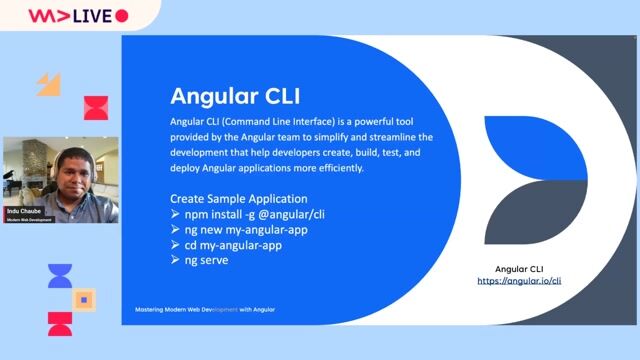
Leveraging the Angular CLI for efficient development
Angular Unleashed: Mastering Modern Web Development with Angular
Unlock Moments
Create a free account to watch a limited number of Moments each month.
Upgrade to PRO for unlimited access to the full archive.
Upgrade to PRO for unlimited access to the full archive.
You have an account? Log in
04:32 MIN
Live demo: Initial setup with an Angular plugin
Micro Frontends with Module Federation: Why and How?
Unlock Moments
Create a free account to watch a limited number of Moments each month.
Upgrade to PRO for unlimited access to the full archive.
Upgrade to PRO for unlimited access to the full archive.
You have an account? Log in
03:16 MIN
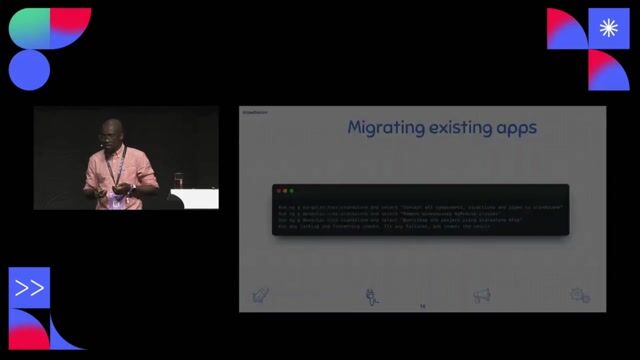
Migrating to standalone and architecting your application
Stand alone components in Angular
Unlock Moments
Create a free account to watch a limited number of Moments each month.
Upgrade to PRO for unlimited access to the full archive.
Upgrade to PRO for unlimited access to the full archive.
You have an account? Log in
02:00 MIN
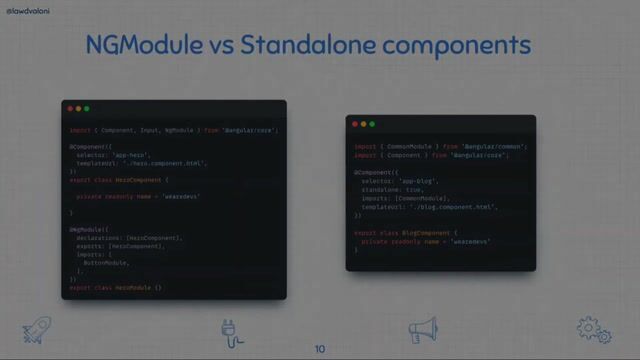
How to create and configure standalone components
Stand alone components in Angular
Unlock Moments
Create a free account to watch a limited number of Moments each month.
Upgrade to PRO for unlimited access to the full archive.
Upgrade to PRO for unlimited access to the full archive.
You have an account? Log in
01:16 MIN
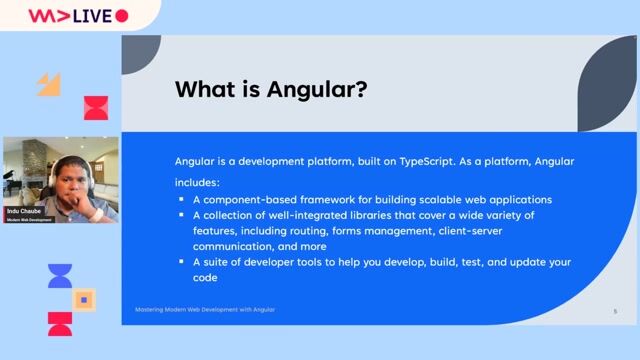
Understanding the core concepts of the Angular framework
Angular Unleashed: Mastering Modern Web Development with Angular
Unlock Moments
Create a free account to watch a limited number of Moments each month.
Upgrade to PRO for unlimited access to the full archive.
Upgrade to PRO for unlimited access to the full archive.
You have an account? Log in
01:56 MIN
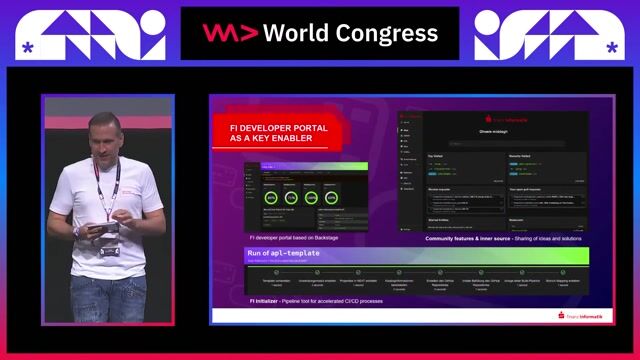
Implementing tools to enhance the developer workflow
Next Level Enterprise Architecture: Modular, Flexible, Scalable, Multichannel and AI-Ready?
Unlock Moments
Create a free account to watch a limited number of Moments each month.
Upgrade to PRO for unlimited access to the full archive.
Upgrade to PRO for unlimited access to the full archive.
You have an account? Log in
01:40 MIN
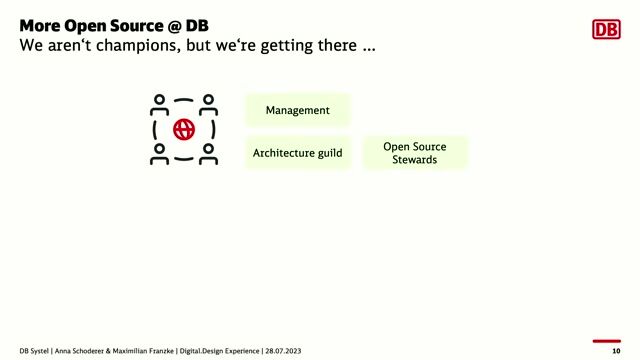
The technical stack for a multi-framework component library
DB UX Design System – How we’ve open sourced our largest inner source project
Unlock Moments
Create a free account to watch a limited number of Moments each month.
Upgrade to PRO for unlimited access to the full archive.
Upgrade to PRO for unlimited access to the full archive.
You have an account? Log in
Featured Partners
Related Videos
 43:08
43:08On tour with heroes == Moving from Angular to WebComponents
Benjamin Glusa
 43:57
43:57How to Stop Choosing JavaScript Frameworks and Start Living
Sasha Shynkevich
 43:20
43:20The Art and Craft of Type Development
Michael Hladky & Stefan Baumgartner
 36:22
36:22Angular Features You Should be Using
Sani Yusuf
 33:18
33:18The Microfrontend Revolution- Using Webpack 5 Module Federation with Angular
Manfred Steyer
 50:28
50:28Angular tips/tricks you can use from tomorrow on
Benedikt Starzengruber
 31:21
31:21Why I Recommend Svelte to Every New Web Developer
Markus Hatvan
 29:11
29:11Angular Magical directives
Valentine Awe
Related Articles
View all articles



From learning to earning
Jobs that call for the skills explored in this talk.


autoiXpert GmbH & Co. KG
Stuttgart, Germany
Senior
Node.js
Angular
MongoDB
TypeScript

doinstruct Software GmbH
Berlin, Germany
Senior
GIT
JavaScript
TypeScript

BMS Corporate Solutions GmbH
Düsseldorf, Germany
Intermediate
Senior
CSS
HTML
Angular
TypeScript


Speech Processing Solutions
Vienna, Austria
Intermediate
CSS
HTML
JavaScript
TypeScript


